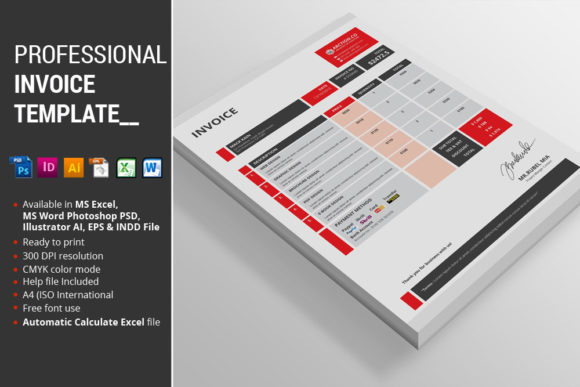
Professional Invoice Template: Streamline Your Billing
As a designer or business owner, you know that the details matter. The way you present your work, from the final deliverable to the final invoice, speaks volumes about your professionalism. A cluttered, generic bill can undermine an otherwise exceptional project. This is where a thoughtfully crafted Professional Invoice Template becomes an essential design asset, transforming a routine administrative task into a subtle reinforcement of your brand identity.
More Than Just a Bill: The Anatomy of a Professional Template
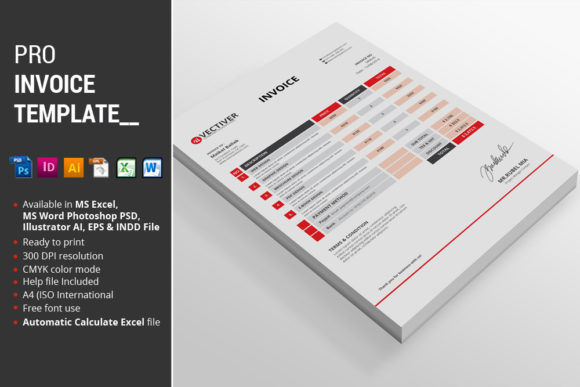
This isn't a simple Word document with your logo pasted on top. It's a comprehensive, multi-format package engineered for efficiency and visual consistency. The core offering includes files for MS Excel 2010, MS Word 2010, Photoshop PSD, InDesign CS5, Illustrator, and EPS formats. Each file variant is available in two color schemes—Red and Blue—with the Excel version also including Green and Yellow options. This ensures you can select the palette that best aligns with your existing brand guidelines or the specific project's aesthetic.
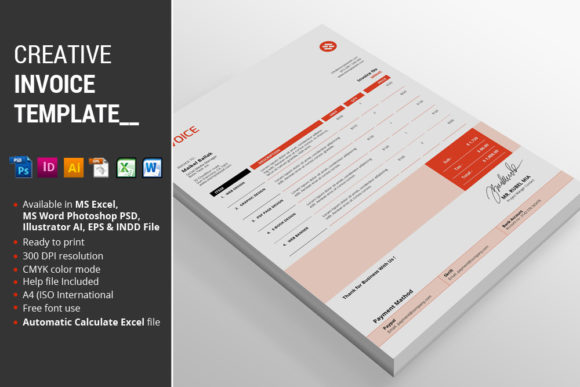
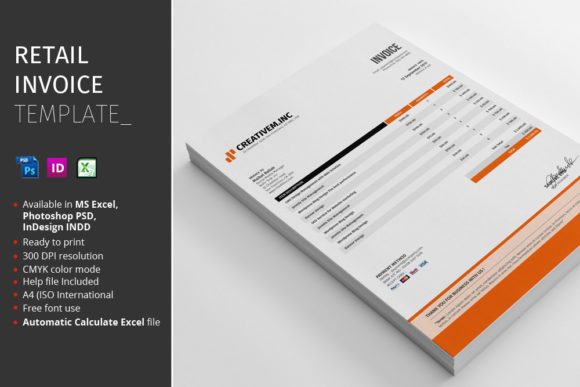
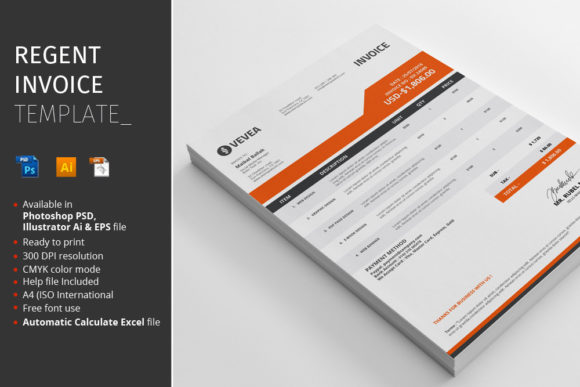
Visually, the template adopts a clean, modern typography style. It favors a balanced layout with clear hierarchy, ensuring that critical information like line items, totals, and payment details are immediately accessible. The design personality is one of quiet confidence—professional without being sterile, and polished without unnecessary ornamentation. This approach makes it versatile enough for a creative agency, a freelance consultant, or a boutique e-commerce shop.
Practical Power: Where This Template Shines
The true value of this Professional Invoice Template lies in its practical application across your workflow. For the MS Excel file, the standout feature is its automatic calculation capability. This eliminates manual math errors and saves significant time, allowing you to simply input quantities and rates. The Instructions PDF and font links included in the package ensure you can get up and running quickly, even if you're not deeply technical.
Consider its utility across different project types:
- Brand Identity & Client Work: Use the Illustrator or Photoshop PSD files to customize the template with your client's specific branding for their project invoices, maintaining a cohesive look from proposal to payment.
- Digital & Web Design: The CMYK color mode and A4 (ISO International) size ensure seamless transition from screen to print. For digital-first businesses, the clean design translates well to PDF attachments in emails.
- Publishing & Content Creation: Bloggers, publishers, and content creators can use the Word or Excel versions for straightforward billing to advertisers or sponsors, presenting a unified front.
- Product-Based Businesses: Crafters, hobbyists, and small business owners selling goods can leverage the template's organized structure to clearly list products, shipping costs, and taxes, reducing customer confusion.
Choosing and Implementing Your Invoice Design
Selecting the right file format is your first practical decision. If you need to make frequent edits and rely on automated totals, the MS Excel file is your workhorse. For full creative control over every design element, the Photoshop PSD or Illustrator files are ideal, as they feature fully organized layers for easy customization. The Word and InDesign files offer a middle ground, balancing editability with design integrity.
When integrating this template, think about your broader font pairing strategy. The template's clean lines pair well with a variety of typefaces. If your brand uses a bold display font for headlines, the invoice's neutral typography will provide a calm, readable counterpoint. For brands built on a serif font or a sans serif font, the template's style will complement rather than compete. Remember, the goal is readability and visual hierarchy. The template is designed to establish that hierarchy clearly, but you must ensure your specific details—your business name, client information, and line items—are legible and well-presented.
Ultimately, a Professional Invoice Template is a tool for brand perception and operational efficiency. It signals to clients that you value clarity, organization, and professionalism in every aspect of your business. By investing in a well-designed system, you free up mental space to focus on the creative or strategic work that truly matters, while ensuring your administrative processes reflect the same standard of excellence.